
Advanced Diploma in Financial and Foreign Accounting with Data Analytics
A comprehensive accounting program covering Indian and foreign accounting, GST, Tally, and data analytics — for degree holders targeting global finance careers.

859-3030-111
Skillspark’s Office Administration course in Kollam is a 6-month government-certified classroom program at Kollam — covering Microsoft 365, AI productivity tools, Power BI, Advanced Excel, HR training, and professional communication. Earn dual certification from ASAP Kerala (Government of Kerala) and American Board of Education, with 100% placement support for office careers in Kollam, Kerala, and the Gulf.
Upgrade your skills and be competent for the on demand jobs with this Office Administration Course
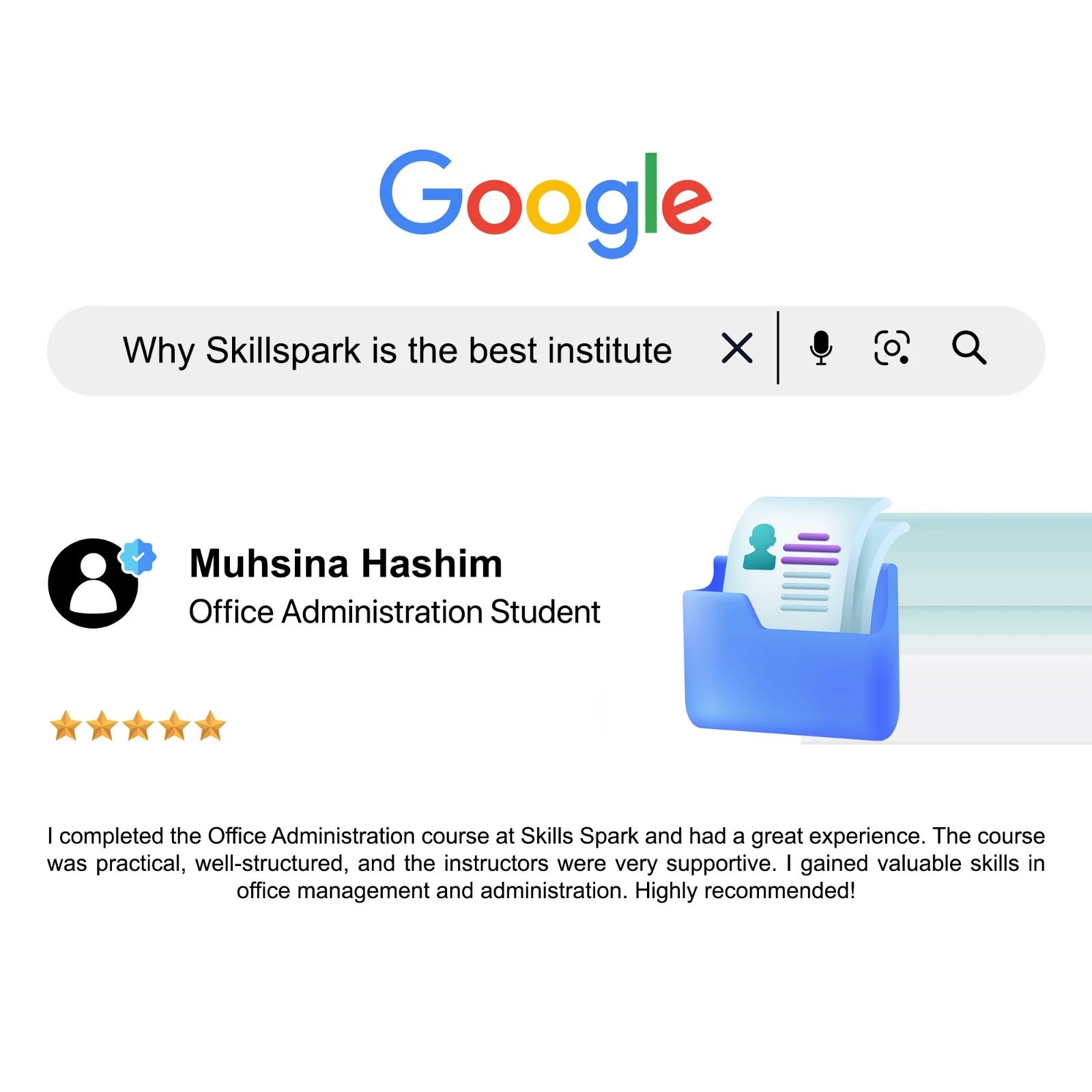
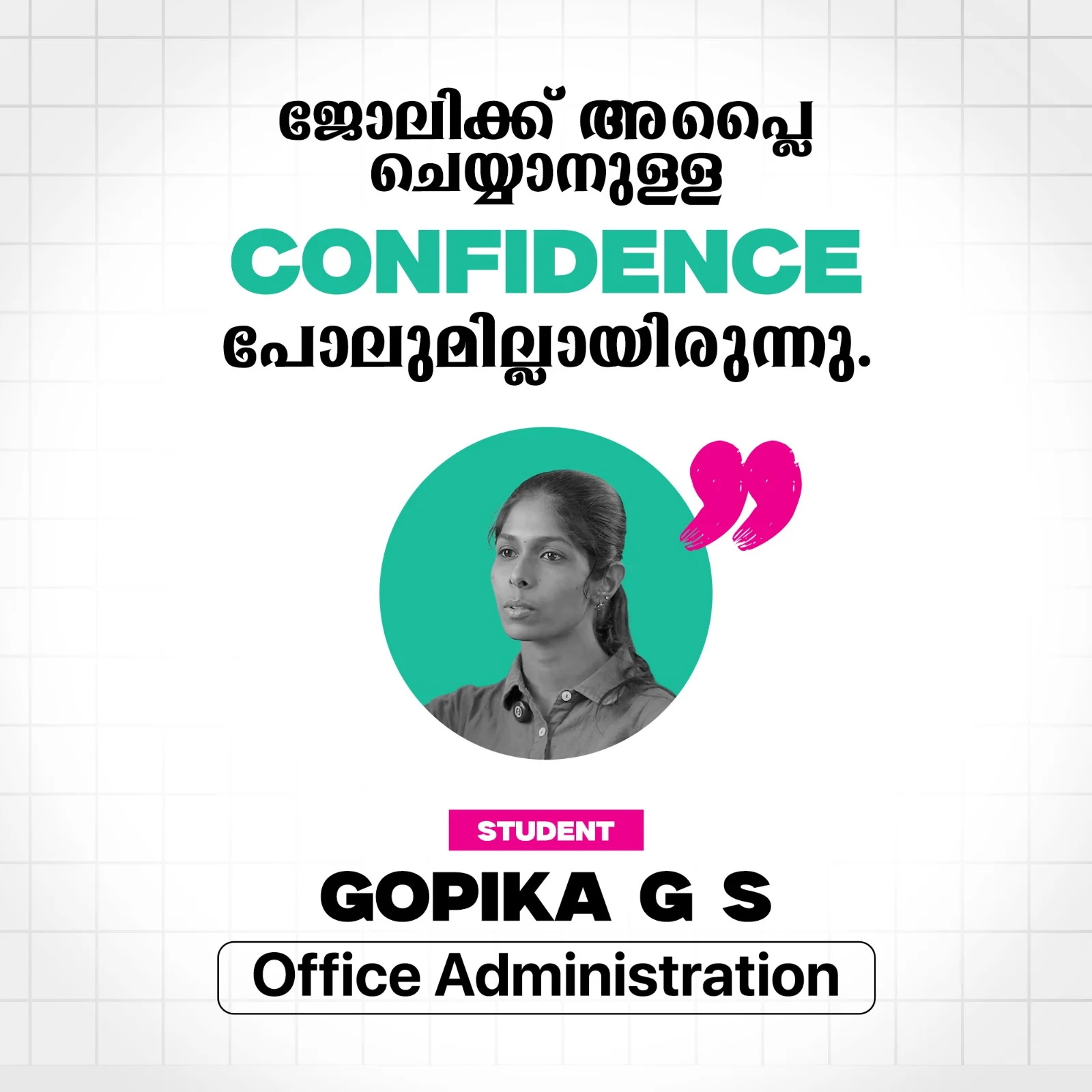
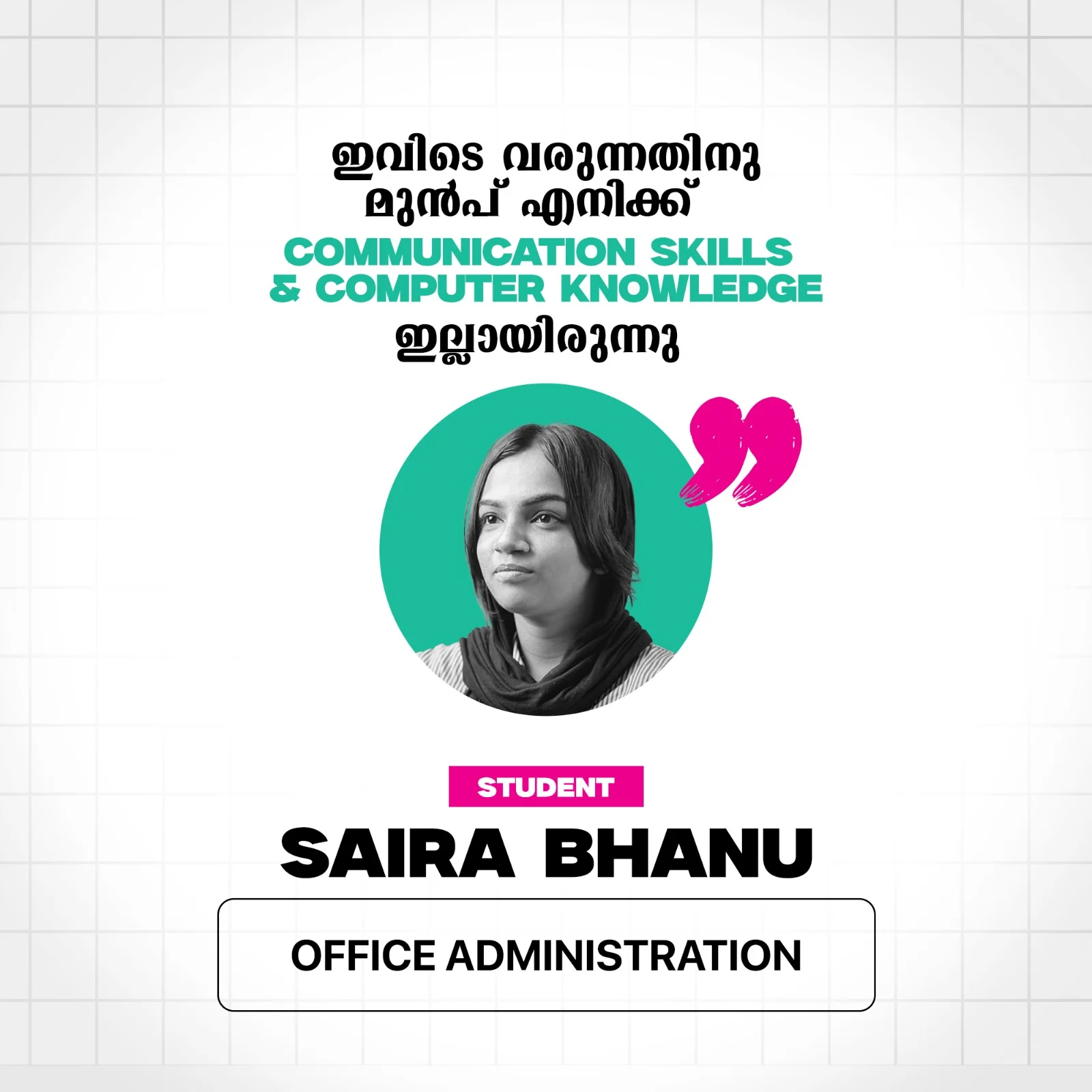
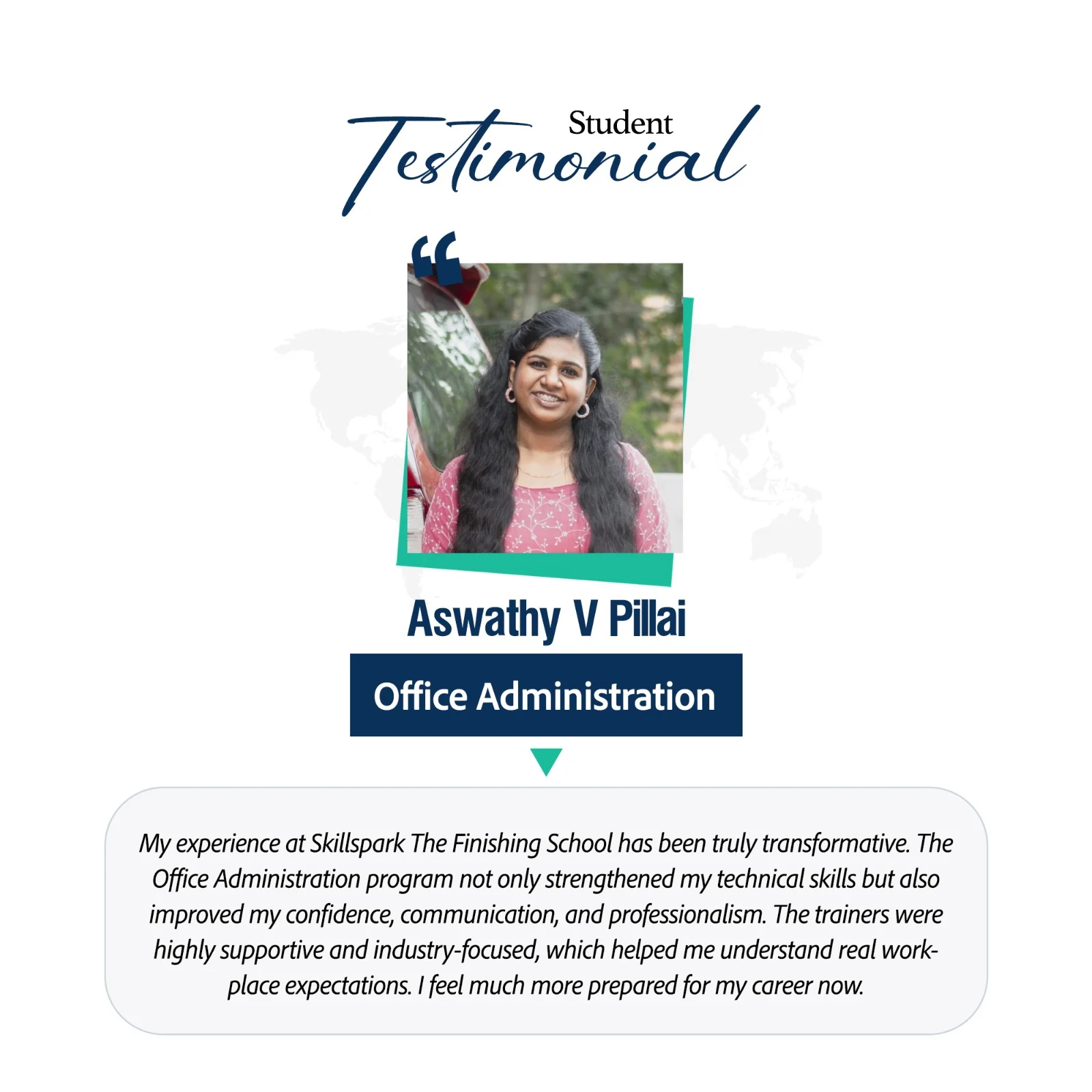
This 6-month classroom program at Chinnakkada, Kollam covers 12 practical modules — from Microsoft 365 and AI tools to Power BI, HR training, and pre-placement coaching — making it the most comprehensive office administration course available in Kollam with dual ASAP Kerala and Cambridge University certification.
| # | Module | Key Topics Covered |
|---|---|---|
| 1 | Microsoft 365 Professional Productivity Suite | Word, Excel, PowerPoint, Outlook, OneDrive — professional documents, data management, email, cloud collaboration, integrated workflows |
| 2 | Prompt Engineering for Working Professionals | AI tools for office tasks, prompt frameworks, drafting communication, report preparation, AI summarisation, scheduling automation, AI safety |
| 3 | Office AI Accelerator | Grammarly, QuillBot, PDF tools, Google Drive, Canva, Microsoft Designer, Otter.ai — practical AI tools for daily office productivity |
| 4 | Basic Accounting for Office Administrators | Cash and expense records, purchase and sales records, GST billing, bank reconciliation, voucher preparation |
| 5 | Office Administration | Office operations, professional conduct, time management, meeting coordination, filing systems, vendor coordination, HR essentials |
| 6 | Advanced Excel for Office Administration | Attendance trackers, inventory records, automated reports, MIS dashboards, pivot tables, conditional formatting |
| 7 | Professional Dashboard Creation | Design and present data-driven dashboards for office reporting and management decision support |
| 8 | Data Analytics Using Power BI | Data import, transformation, DAX functions, interactive dashboards, and office analytics case studies |
| 9 | HR Practical Training Modules | Recruitment basics, payroll coordination, attendance management, employee records, HR documentation |
| 10 | Soft Skills and Employability | CV preparation, STAR method, LinkedIn profile, interview skills, professional communication, workplace etiquette |
| 11 | Project | Real-world office administration project applying skills across modules — document management, reporting, and workflow simulation |
| 12 | Pre-Placement Training | Interview coaching, grooming, business communication, professional profiles, mock interview with feedback |
Module 1: Microsoft Office 365 Fundamentals
Topics Covered:
Overview of Microsoft Office 365 | Cloud-based working concept | Office 365 apps overview | Web vs desktop apps | Microsoft account and licensing | OneDrive integration | Real-time collaboration | File sharing basics | Version control | Microsoft ecosystem overview
Pain Point:
Many professionals use Office tools individually without understanding the integrated Office 365 ecosystem.
How It Helps:
Builds a strong foundation on how Microsoft 365 tools work together in real workplace environments.
Industry Impact:
Microsoft 365 is the standard productivity platform used globally across organizations.
Practical Projects:
Office 365 workspace setup | App integration mapping | Cloud workflow demonstration
Module 2: Microsoft Word – Professional Document Management
Topics Covered:
Official letters | Office memos | Circulars | Notices | Meeting agendas | Letterhead design | Styles and themes | Page layout | Headers and footers | Tables | Images | Watermarks | Track changes | Comments | Mail merge | PDF export | Document protection | Collaboration tools
Pain Point:
Professionals struggle with formatting documents and maintaining corporate standards.
How It Helps:
Teaches standardized documentation methods for professional and error-free documents.
Industry Impact:
Word documentation remains critical for administration, HR, legal, and operations teams.
Practical Projects:
Corporate letterhead design | Official document set creation | Mail merge employee letters
Module 3: Microsoft Excel – Data Management & Reporting
Topics Covered:
Excel interface | Data entry best practices | Cell referencing | Basic formulas | Logical functions | Statistical functions | Text functions | Date and time functions | Data validation | Conditional formatting | Sorting and filtering | XLOOKUP | INDEX-MATCH | Pivot tables | Pivot charts | MIS reports | Dashboards | Data cleaning | Sheet protection
Pain Point:
Manual calculations and reporting errors reduce productivity and decision accuracy.
How It Helps:
Automates calculations, improves accuracy, and enables professional reporting.
Industry Impact:
Excel is the backbone of business reporting and data analysis worldwide.
Practical Projects:
Attendance tracking system | Expense management workbook | Monthly MIS dashboard
Module 4: Microsoft PowerPoint – Business Presentation Design
Topics Covered:
Slide layouts | Themes | Corporate templates | Slide master | SmartArt | Charts | Icons | Infographics | Image formatting | Transitions | Animations | Presentation structuring | Storytelling techniques | Executive summary slides | Data-linked charts | Export and sharing options
Pain Point:
Employees struggle to create clear, professional, and impactful presentations.
How It Helps:
Improves communication through structured design and visual storytelling.
Industry Impact:
Presentation skills are essential for meetings, training, and management reviews.
Practical Projects:
Company induction presentation | Training module slides | Management review deck
Module 5: Microsoft Outlook – Email & Communication Management
Topics Covered:
Email interface | Professional email writing | Folders and categories | Rules and filters | Email search | Calendar management | Meeting scheduling | Shared calendars | Tasks and to-do lists | Follow-ups | Email signatures | Automatic replies | Email security | Integration with Teams and OneDrive
Pain Point:
Inbox overload, missed emails, and poor communication management.
How It Helps:
Organizes communication, improves responsiveness, and reduces email stress.
Industry Impact:
Outlook is the primary business communication tool in most organizations.
Practical Projects:
Professional email workflow setup | Automated email rules system | Meeting and task management plan
Module 6: OneDrive – Cloud Storage & Collaboration
Topics Covered:
Cloud storage concepts | Folder organization | File upload and sync | Sharing permissions | View-only and edit access | Real-time collaboration | Version history | File recovery | Offline access | External sharing | Security settings | Integration with Word, Excel, PowerPoint | Backup management
Pain Point:
File duplication, data loss, and access confusion during team collaboration.
How It Helps:
Provides secure cloud storage and seamless collaboration.
Industry Impact:
Cloud-based document management is mandatory in modern digital workplaces.
Practical Projects:
Department folder structure design | Secure file-sharing workflow | Version control simulation
Module 7: Integrated Office 365 Workplace Workflow
Topics Covered:
Word–Excel–PowerPoint integration | Excel data to PowerPoint charts | OneDrive-based collaboration | Outlook file sharing | Co-authoring workflows | Cloud-based approvals | Best productivity practices | Workplace documentation standards
Pain Point:
Professionals use tools separately instead of integrated workflows.
How It Helps:
Demonstrates real-world Office 365 working methods.
Industry Impact:
Integrated productivity workflows significantly improve efficiency and accuracy.
Practical Projects:
End-to-end office workflow project | Department documentation system | Integrated reporting workflow
This course is designed to help working professionals use AI tools effectively in daily office work, reduce manual effort, improve documentation quality, increase productivity, and confidently adapt to AI-enabled workplaces.
The program focuses entirely on real office tasks, not programming or technical AI development.
Topics Covered:
What is prompt technology | How AI understands instructions | Prompt vs command | Popular workplace AI tools | Free vs paid AI tools | AI limitations | Responsible AI usage
Pain Point:
Employees use AI randomly and receive inconsistent or incorrect results.
How It Helps:
Builds a clear understanding of how to instruct AI correctly for accurate outputs.
Industry Impact:
AI literacy is now a core workplace requirement and improves adaptability in modern offices.
Practical Projects:
AI capability comparison | Office task mapping | Prompt testing exercises
Module 2: Professional Prompt Frameworks (2026 Standards)
Topics Covered:
ROLE–TASK–FORMAT method | CLEAR framework | Context layering | Step-by-step prompting | Prompt chaining | Output control techniques
Pain Point:
AI outputs appear generic or unprofessional.
How It Helps:
Provides repeatable structures for consistent professional results.
Industry Impact:
Improves reliability, output quality, and managerial confidence.
Practical Projects:
Email prompt templates | Office prompt checklist | Reusable prompt library
Module 3: Draft Office Communication Quickly with AI
Topics Covered:
Professional emails | Internal memos | Circulars | Notices | Announcements | Policy updates | Tone control | Rephrasing | Escalation responses
Pain Point:
Writing official communication consumes large portions of work time.
How It Helps:
Generates structured, professional drafts within seconds.
Industry Impact:
Enhances communication speed and workplace professionalism.
Practical Projects:
Official email drafting | HR circular creation | Client communication rewriting
Module 4: Office Documents & Report Preparation
Topics Covered:
Meeting agendas | Minutes of meeting | SOP drafting | Performance summaries | Weekly reports | Management summaries | Policy documentation outlines
Pain Point:
Employees struggle to structure reports clearly.
How It Helps:
Transforms raw inputs into professional documents.
Industry Impact:
Strong documentation skills support promotions and leadership roles.
Practical Projects:
MoM generation | SOP draft creation | Weekly report automation
Module 5: AI-Based Summarization & Simplification
Topics Covered:
Long-report summarization | Key-point extraction | Action-item identification | Executive summaries | Risk & decision highlights
Pain Point:
Managers lack time to read lengthy reports.
How It Helps:
Creates concise, decision-focused summaries.
Industry Impact:
Improves decision-making speed and management visibility.
Practical Projects:
Board report summary | Email thread summarization | Policy simplification
Module 6: Forms, Templates & Office Documentation
Topics Covered:
Leave applications | Feedback forms | Inventory requisition | Asset handover | Office templates | Instruction formatting
Pain Point:
Repeated document creation wastes productive time.
How It Helps:
Creates reusable templates instantly.
Industry Impact:
Improves consistency and reduces administrative workload.
Practical Projects:
Leave form template | HR feedback form | Inventory requisition document
Module 7: Language Enhancement, Grammar & Translation
Topics Covered:
Grammar correction | Professional tone improvement | Simple English rewriting | Translation | Cultural tone adjustment
Pain Point:
Language limitations reduce confidence.
How It Helps:
Improves clarity, tone, and professionalism instantly.
Industry Impact:
Strengthens communication confidence and workplace image.
Practical Projects:
Grammar improvement | Professional rewrite | Translation practice
Module 8: AI for Planning, Scheduling & Coordination
Topics Covered:
Meeting planning | Training schedules | Event timelines | Duty allocation | Follow-ups | Reminder creation
Pain Point:
Planning and coordination consume excessive time.
How It Helps:
Automates planning and follow-up communication.
Industry Impact:
Improves productivity and supervisory readiness.
Practical Projects:
Training calendar creation | Event checklist | Duty roster planning
Module 9: AI for Workplace Problem Solving & Decision Support
Topics Covered:
Root cause analysis | Scenario evaluation | Risk identification | SOP troubleshooting | Decision comparison tables
Pain Point:
Employees struggle with unexpected workplace issues.
How It Helps:
Supports structured thinking and faster resolution.
Industry Impact:
Enhances decision confidence and problem-solving ability.
Practical Projects:
Issue resolution workflow | Risk analysis matrix | Decision support summary
Module 10: AI Integration with Office Tools (Latest Update)
Topics Covered:
Microsoft Copilot (Excel | Word | Outlook | Teams) | Google Workspace AI | Zoho Zia | File-based prompting | Context upload techniques
Pain Point:
Employees use AI separately instead of within office software.
How It Helps:
Integrates AI directly into daily work tools.
Industry Impact:
Provides major productivity advantage in AI-enabled workplaces.
Practical Projects:
Copilot email drafting | Excel analysis prompt | Meeting summary automation
Module 11: AI Safety, Data Privacy & Corporate Compliance
Topics Covered:
Confidential data handling | Prompt redaction | Data masking | Company AI policies | Ethical AI usage
Pain Point:
Employees unknowingly expose sensitive company data.
How It Helps:
Teaches safe and compliant AI usage.
Industry Impact:
Protects organizations from data and compliance risks.
Practical Projects:
Safe prompt rewriting | Data masking exercise | AI compliance checklist
Module 12: Capstone Project – AI Office Assistant Simulation
Scope:
Emails | Reports | Summaries | Scheduling | Templates | Decision support | Automation workflows
Pain Point:
Professionals struggle to apply AI consistently across tasks.
How It Helps:
Simulates real office workload using AI.
Industry Impact:
Prepares professionals for AI-enabled office environments.
Practical Projects:
Complete office workflow automation | Personal prompt library | AI productivity dashboard
Dashboard 1: Payroll Management Dashboard
Importing employee payroll data. | Handling salary components (basic, allowances, deductions). | Net pay computation. | Overtime and bonus calculations. | Tax and statutory compliance computations.
Dashboard 2: Financial Analytics Dashboard
Importing financial statements and transaction data. | Profit and loss computations. | Cash flow analysis. | Revenue and expense visualizations. | Break-even analysis charts. | Scenario analysis using what-if parameters.
Dashboard 3: HR Management Dashboard
Importing employee data (demographics, performance metrics). | Employee turnover and retention rates. | Performance scoring and appraisal summaries. | Training needs assessment. | Workforce analytics visuals. | Interactive filters by department, role, or location. | Employee satisfaction and engagement indicators.
Dashboard 4: Inventory Management Dashboard
Importing inventory levels, sales orders, and purchase orders. | Stock levels and reorder points. | Inventory aging analysis. | Supplier performance metrics. | Real-time stock monitoring visuals. | Alerts for low stock and overstock situations. | Sales vs. inventory turnover graphs.
Dashboard 5: Project Management Dashboard
Importing project plans, task lists, and timelines. | Task progress tracking. | Resource allocation and workload analysis. | Budget vs. actual expenditure. | Milestone tracking visuals. | Risk assessment indicators.
Recruitment and Selection
Job Analysis and Description Writing | Sourcing candidates (Job portals, LinkedIn, etc.) | Screening resumes | Recruitment Process Management | Selection and Decision-Making | Draft Offer Letters and Rejection Emails
Employee Documentation and Record Management
Employee File Management | Employment Contracts and Legal Documentation | Termination Documentation |Create document retention schedules
Employee Onboarding and Orientation
Onboarding Process Design | Orientation Program Implementation
Payroll and Benefits Administration
Payroll Management | PF, ESI, and statutory deductions | Payroll software simulation | Tax calculation tools | Calculate gross and net pay | Process overtime and deductions
Performance Management and Employee Relations
Performance Evaluation Systems | KRAs and KPIs | Exit interview format and conduct | Design performance evaluation forms | Generate performance reports | Employee Relations and Grievance Handling
The project will be selected by the student based on their area of interest or relevant industry domain. It should reflect the practical application of the Office Administration concepts, tools, and techniques learned during the course.
Most office administration courses in Kollam teach basic computer skills — Word, Excel, and typing. Skillspark’s Office Administration course at Kollam goes significantly further — integrating AI tools, Prompt Engineering, Power BI, Professional Dashboard Creation, and HR Practical Training into a single 6-month government-certified classroom program.
Skillspark’s Office Administration course in Kollam is the most comprehensive office training program available at Chinnakkada — covering Microsoft 365, AI tools, Power BI, Advanced Excel, HR training, basic accounting, and professional communication in one 6-month government-certified classroom program.
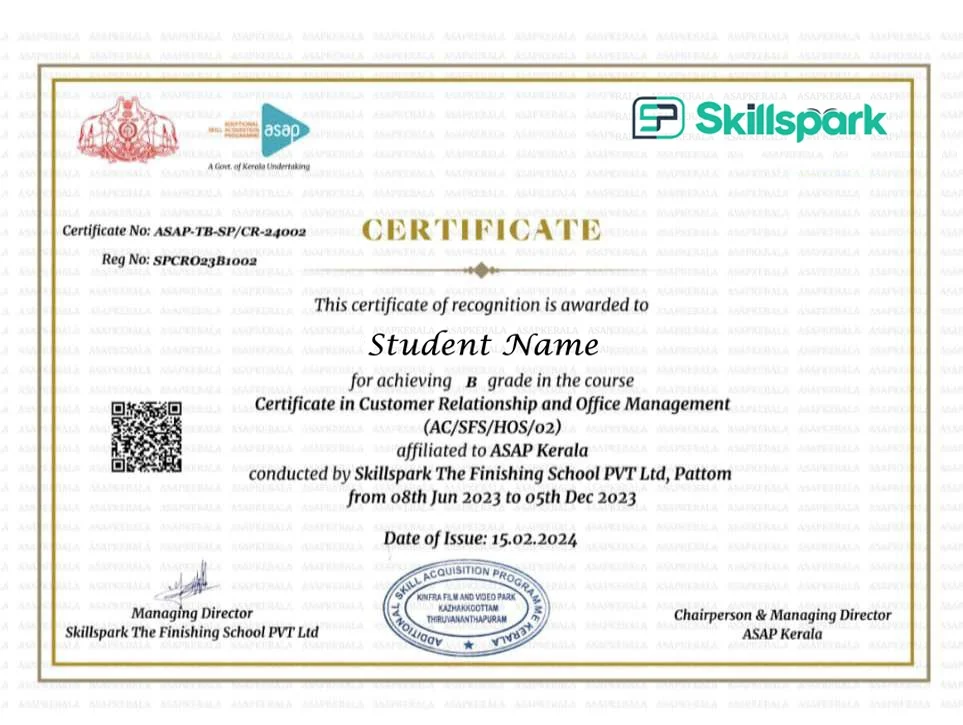
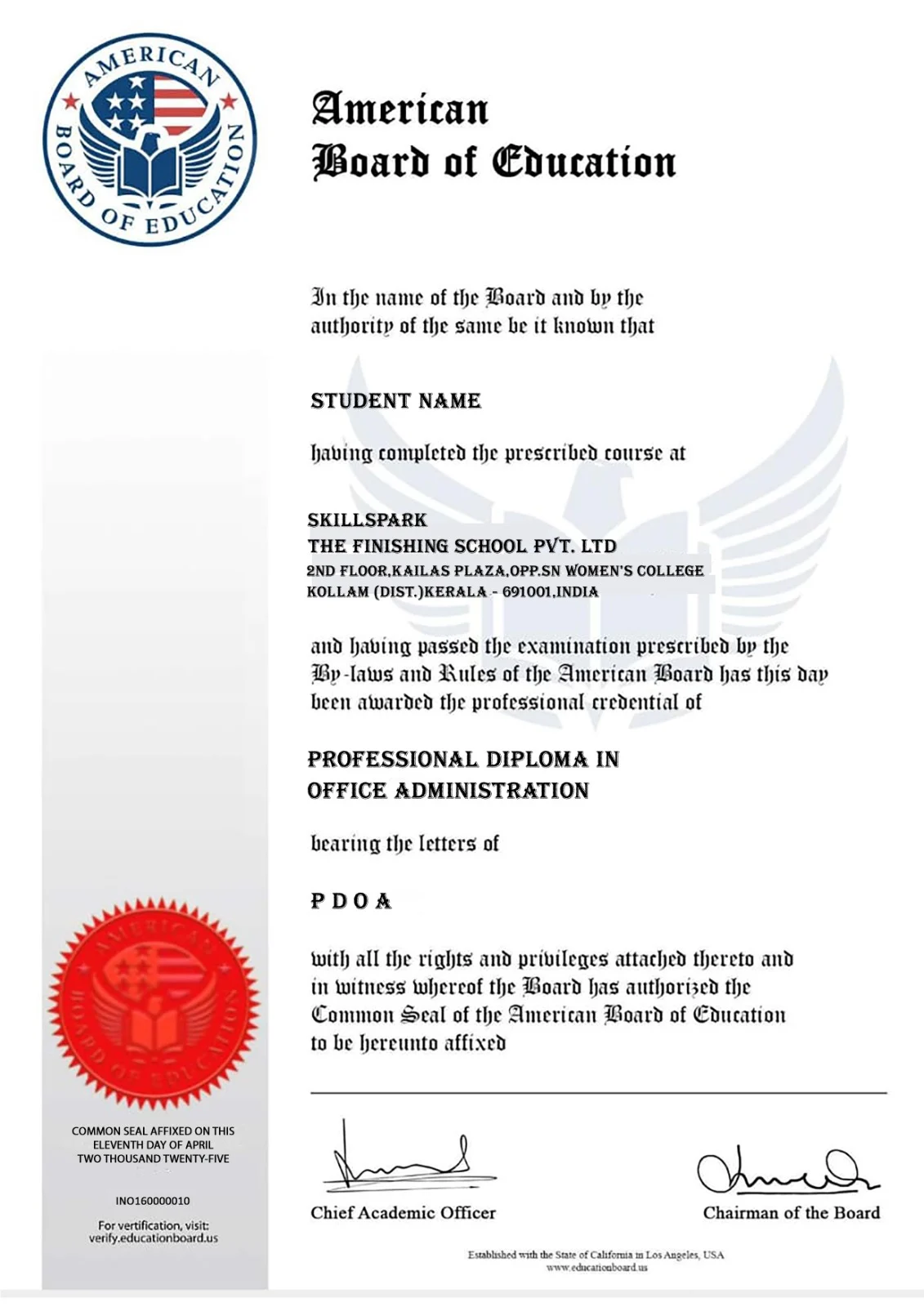
Upon successful completion of this course, you will receive a recognised certificate from our accredited partners.
ASAP Kerala (Additional Skill Acquisition Programme) is a skill development initiative of the Higher Education Department, Government of Kerala, aimed at improving employability through industry-relevant training and certification. On successful completion of the course and assessment, learners receive a digitally verifiable certification, validating their skills and enhancing their career opportunities.
American Board of Education (ABE) is an international certification body that supports professional education and skill development programs. An ABE certification carries global recognition and international value, validating industry-relevant skills and enhancing learners’ credibility and career opportunities in both national and international job markets.

Skillspark’s Office Administration course in Kollam is open to any degree holder — pass or failed — in any stream. No prior computer or office experience is required. This course is ideal for:

Where These Jobs Are Available from Kollam: Graduates secure jobs locally in Kollam — in hospitals, schools, cashew export companies, real estate firms, automobile dealerships, and government offices. Across Kerala, jobs are available in Trivandrum’s Technopark corridor and Kochi’s corporate sector. Kollam’s strong Gulf network means American Board of Education Certified graduates are actively recruited for office roles in UAE, Qatar, Saudi Arabia, and Oman.
Salary Range: Entry-level office roles in Kollam start at ₹13,000–₹21,000 per month. Gulf administrative roles — particularly Document Controller and Administrative Coordinator positions — offer tax-free salaries from AED 2,000–5,000 per month (approximately ₹45,000–₹1,10,000 per month) with accommodation and transport benefits.
Graduates from Skillspark’s Office Administration course in Kollam secure jobs as Office Assistants, Front Office Executives, Administrative Executives, HR Assistants, Data Entry Operators, MIS Executives, and Document Controllers — in Kollam, across Kerala, and in Gulf countries.
Role list:
The Office Administration course at Skillspark Kollam is 6 months — delivered as full-time classroom training at our Chinnakkada, Kollam centre. Online enrollment is also available for students who prefer to study remotely.
Graduates receive dual certification — ASAP Kerala (Government of Kerala) and American Board of Education International Certificate — recognised by employers in India and Gulf countries.
Yes. Skillspark’s Office Administration course is delivered as face-to-face classroom training at our Chinnakkada, Kollam centre — with experienced faculty, hands-on practice, and structured batch timings.
Any degree holder — pass or failed — in any stream can join. No prior computer or office experience is required.
Yes. The course includes a dedicated Prompt Engineering module and an Office AI Accelerator module — covering tools like Microsoft Copilot, ChatGPT, Grammarly, Canva, and Otter.ai for office use. This is unique to Skillspark and not available in most office courses in Kollam.
Yes. The course includes both Professional Dashboard Creation and Data Analytics using Power BI — covering data visualisation and business dashboard skills increasingly required by corporate employers in Kollam and Kerala.
Yes. The American Board of Education International Certificate — included with this course — is recognised by Gulf employers hiring administrative staff from Kerala. Document Controller, Administrative Coordinator, and Front Office roles in UAE, Qatar, and Saudi Arabia actively recruit candidates with American Board of Education certification from Kollam.
Yes. Skillspark provides 100% placement support — including resume building, LinkedIn profile development, mock interviews using the STAR method, and direct connections to hiring companies in Kollam, Kerala, and the Gulf.
Graduates work as Office Assistants, Front Office Executives, Administrative Executives, HR Assistants, Data Entry Operators, MIS Executives, and Document Controllers — in hospitals, schools, cashew export companies, real estate firms, and Gulf organisations.
Entry-level office roles in Kollam start at ₹13,000–₹21,000 per month. Gulf administrative roles offer tax-free salaries from AED 2,000–5,000 per month (approximately ₹45,000–₹1,10,000 per month) with accommodation and transport benefits.
A comprehensive accounting program covering Indian and foreign accounting, GST, Tally, and data analytics — for degree holders targeting global finance careers.

Learn SAP MM for procurement and supply chain roles — practical ERP training for degree holders targeting corporates and MNCs.

Industry-leading ERP training in finance and controlling — for degree holders targeting high-paying SAP careers in top companies across India and abroad.

Master India's most widely used accounting software — practical, job-focused Tally training for immediate employment in accounting roles.

Become a certified GST Practitioner — learn to file returns, handle compliance, and advise businesses with confidence across India.

Learn to file GSTR-1, GSTR-3B, and all major returns accurately — an essential skill for every accounting professional in India.

Specialised VAT training for Gulf accounting roles — covering UAE, Bahrain, Saudi Arabia, and Oman VAT regulations and filing procedures.

Specialised accounting training for UAE, Qatar, and Saudi Arabia — covering GCC VAT, Zoho, and foreign accounting standards for Gulf job seekers.

Learn international accounting software used by UK and European companies — ideal for professionals targeting accounting careers outside India.

Start your accounting journey from scratch — beginner-friendly training covering fundamental accounting principles for Plus Two students and freshers.

Learn GST filing and compliance using Zoho Books — practical training in one of the fastest-growing accounting platforms preferred by businesses across India.

Handle VAT filing for Gulf companies using Zoho — practical training for professionals targeting accounting roles in UAE and other GCC countries.

©2026 Skillspark. All rights reserved
| Website designed & Developed by Redwet Solutions